7 Common Website Mistakes That Can Cost Your Business Customers
Discover 7 common website mistakes that can drive customers away. Learn how to improve your website speed, mobile experience, navigation, SEO, content, security, and conversions.
7 Common Website Mistakes That Can Cost Your Business Customers
Your website is often the first impression people have of your business.
A visitor may discover your company through Google, social media, an advertisement, or a recommendation. When they arrive at your website, they should immediately understand who you are, what you offer, and how they can contact you.
Unfortunately, even a good-looking website can lose potential customers if important details are overlooked.
At C2D (Concept to Deploy), we believe a professional business website should be easy to use, fast, mobile-friendly, trustworthy, and focused on the customer's needs.
If you're planning a new website, you can first read our guide on How to Plan Your Business Website Before You Build It.
Now let's look at seven common website mistakes businesses should avoid.
1. Having a Slow Website
One of the first things visitors notice is how quickly your website loads.
If a page takes too long to load, visitors may leave before seeing your products or services.
Common reasons for slow websites include:
- Large image files
- Too many animations
- Unnecessary scripts
- Poorly optimized website files
- Slow hosting
- Unoptimized third-party tools
To improve website performance:
- Compress images
- Use appropriate image formats
- Remove unnecessary scripts
- Optimize website resources
- Use reliable hosting
A fast website creates a better experience for visitors and gives them less reason to leave.
2. Ignoring Mobile Users
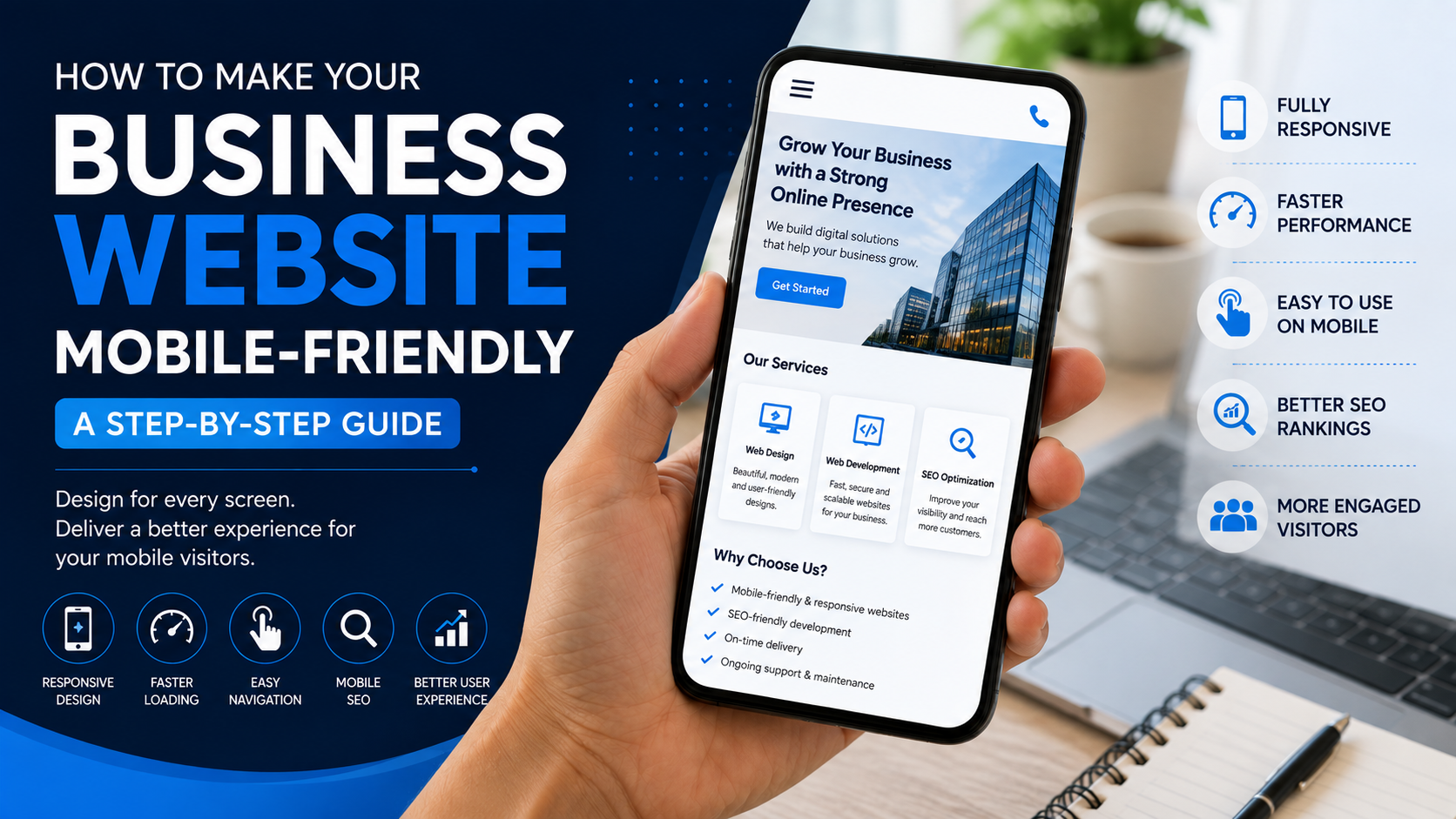
Many people browse websites using smartphones.
If your website looks good on a desktop but is difficult to use on a phone, you may lose potential customers.
Check your website on different screen sizes.
Make sure:
- Text is easy to read
- Buttons are easy to tap
- Images fit the screen
- Menus work properly
- Forms are easy to complete
- Important information is easy to find
A professional website should provide a consistent experience across mobile, tablet, and desktop devices.
When building a website, responsive design should be planned from the beginning rather than added as an afterthought.
3. Making Navigation Confusing
Visitors shouldn't have to search through your entire website to find basic information.
Your navigation should make important pages easy to access.
A simple business website might use:
Home | About | Services | Portfolio | Blog | Contact
Avoid creating complicated menus with too many unnecessary options.
Ask yourself:
- Can visitors find my services quickly?
- Can they easily find my contact information?
- Can they return to the homepage?
- Can they understand where they are on the website?
Simple navigation creates a smoother user experience.
4. Not Having a Clear Call to Action
Imagine a visitor likes your service but doesn't know how to contact you.
That's a missed opportunity.
Every important page should guide visitors toward a useful next step.
Examples include:
- Get a Quote
- Contact Us
- Book Now
- Call Us
- Chat on WhatsApp
- Request a Consultation
- Buy Now
Your call to action should match the purpose of the page.
For example, a service page might use Get a Quote, while a product page might use Buy Now.
At C2D, we consider the customer's next step when planning website layouts and content.
5. Using Unclear or Outdated Content
A website can have a beautiful design and still fail to convince customers if its content is unclear.
Your visitors should quickly understand:
- What your business does
- What products or services you provide
- Who your services are for
- Why customers should choose you
- How they can contact you
Avoid vague statements that don't explain what you actually offer.
Also check your website regularly for outdated information.
Update:
- Business hours
- Contact information
- Services
- Products
- Pricing information
- Portfolio
- Testimonials
Accurate and useful content makes your website more trustworthy.
6. Ignoring SEO
A website can look excellent and still receive very little organic traffic if search engine optimization is ignored.
SEO helps search engines understand your website and helps potential customers discover relevant pages through search.
Important SEO areas include:
- Keyword research
- Page titles
- Meta descriptions
- Useful content
- Proper headings
- Clean URLs
- Image optimization
- Internal links
- Mobile responsiveness
- Website performance
If you want to learn more, read our guide on How SEO Helps Your Business Website Rank on Google.
Remember that SEO is a long-term process. Avoid keyword stuffing and focus on creating useful content for real people.
7. Building the Website and Never Maintaining It
Launching a website doesn't mean the work is finished.
Websites need regular maintenance to remain useful, secure, and up to date.
Regular maintenance may include:
- Updating content
- Checking links
- Testing forms
- Updating software
- Checking website security
- Maintaining backups
- Monitoring performance
- Reviewing SEO
- Adding new content
As your business grows, your website should grow with it.
Read our guide on How to Maintain and Grow Your Business Website to learn more.
Bonus Mistake: Designing the Website Only for Yourself
Your website should represent your business, but it should primarily be designed around your customers.
Ask yourself:
Can my customers quickly find what they need?
Instead of adding features simply because they look impressive, focus on what helps visitors understand your business and take action.
A simple website that solves customer problems can be more effective than a complicated website filled with unnecessary features.
How to Check if Your Website Has These Problems
Take a few minutes to review your website.
Ask these questions:
- Does the website load quickly?
- Does it work properly on mobile?
- Can visitors find important information easily?
- Is there a clear call to action?
- Is the content current?
- Can people discover the website through search engines?
- Is the website regularly maintained?
If you answered "no" to several of these questions, your website may have opportunities for improvement.
Website Mistakes Checklist
- Slow loading speed
- Poor mobile experience
- Confusing navigation
- No clear call to action
- Unclear or outdated content
- Poor SEO structure
- No regular maintenance
What a Good Business Website Should Do
A professional business website should make it easy for visitors to:
- Understand your business
- Find your products or services
- Trust your brand
- Navigate your website
- Contact you
- Take the next step
Good website development isn't about adding as many features as possible. It's about creating the right experience for your customers.
At C2D (Concept to Deploy), we focus on building websites that combine design, functionality, usability, performance, and a strong foundation for SEO.
Final Thoughts
Your website is an important part of your digital presence.
A slow page, confusing navigation, outdated content, or missing call to action may seem like a small problem, but together these issues can affect how visitors experience your business.
The good news is that most website problems can be identified and improved.
Review your website, fix the important issues, and keep improving it as your business grows.
Continue Your Website Journey With C2D
If you're planning a new website, start with How to Plan Your Business Website Before You Build It.
Then learn how to build it with How to Build a Professional Business Website Step by Step.
Once your website is built, learn How SEO Helps Your Business Website Rank on Google.
Finally, learn how to Maintain and Grow Your Business Website.
Build Better Websites With C2D
At C2D (Concept to Deploy), we help businesses turn their ideas into professional digital solutions.
From planning and design to development, SEO, deployment, and ongoing improvements, our goal is to create websites that are useful for both businesses and their customers.
Have a website idea? Let's turn your concept into something that works.
What's Next?
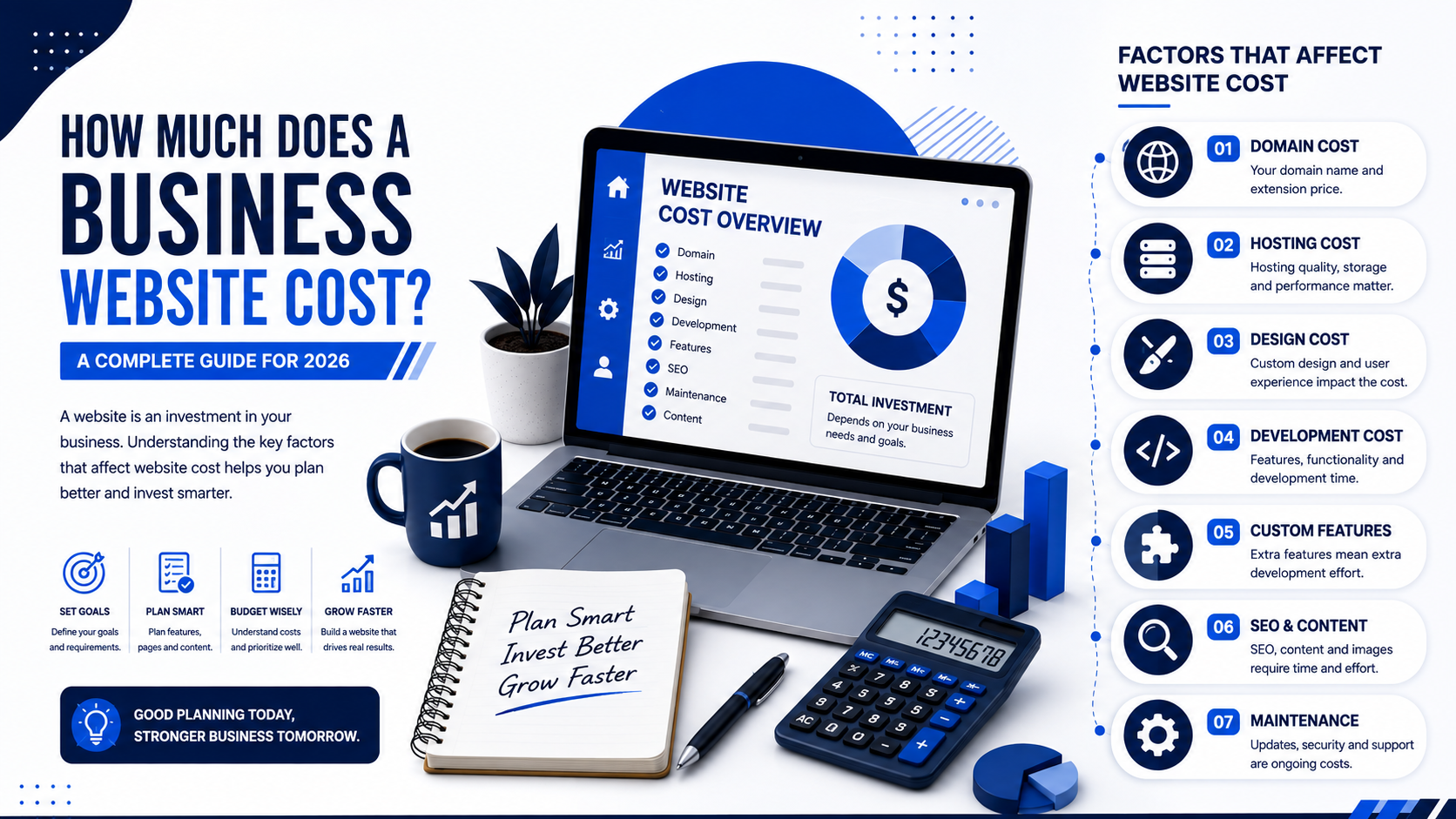
After understanding the common mistakes that can affect a business website, the next important question is how much it actually costs to build one.
In our next guide, we'll look at the different factors that affect business website costs, including design, development, features, SEO, hosting, content, and maintenance.
Previous: A Developer-Friendly Checklist for Zero-Downtime Deploys
Next: How Much Does a Business Website Cost? A Complete Guide for 2026