How to Create a Professional Website for a Small Business: A Step-by-Step Guide
Learn how to create a professional small business website that builds trust, attracts customers, showcases your services, and helps your business grow online.
How to Create a Professional Website for a Small Business
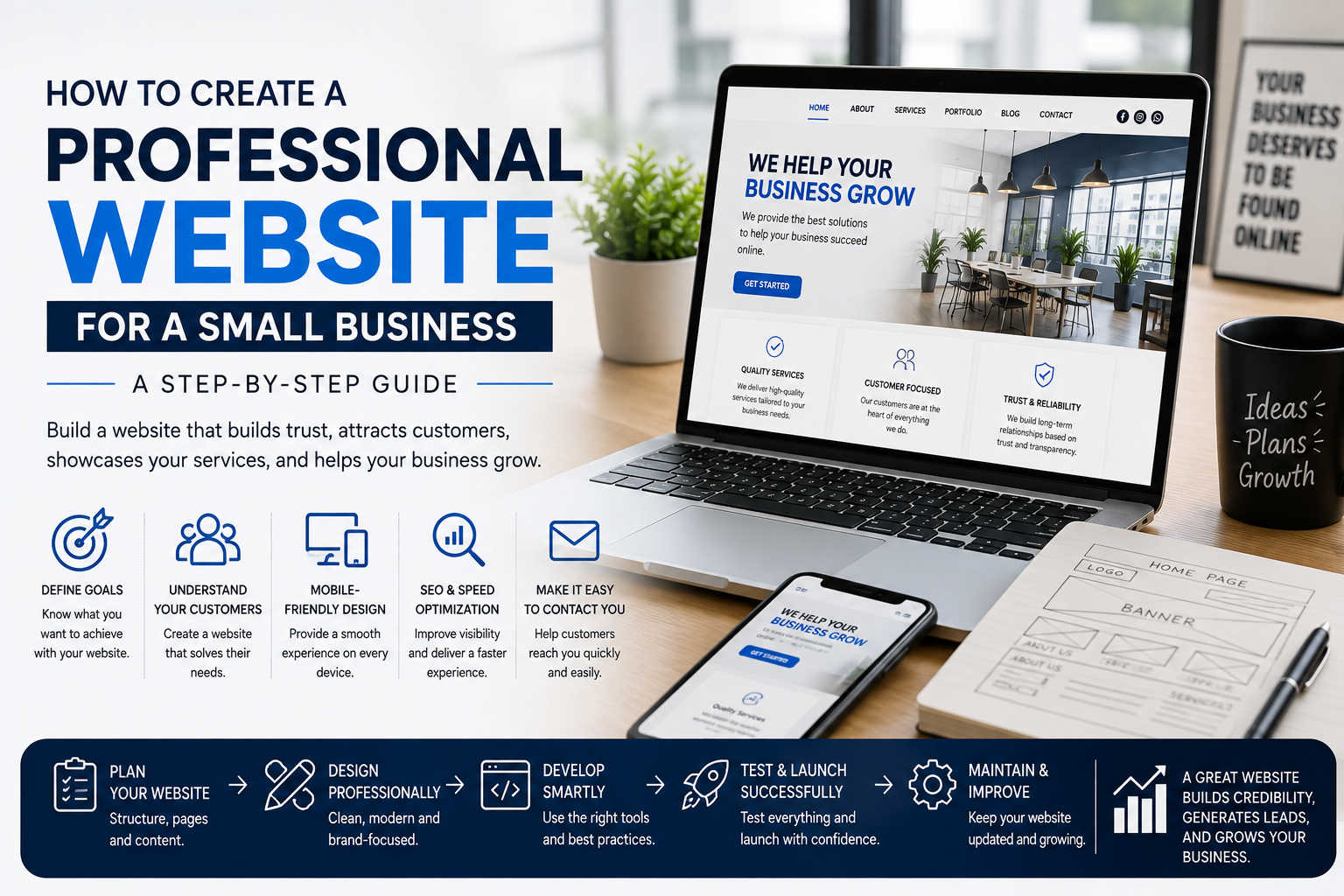
For a small business, having a professional website can make it easier for potential customers to discover your business, understand your services, and contact you.
Your website doesn't need to be complicated to be effective. What matters is that it clearly communicates what your business offers and provides visitors with a simple and trustworthy experience.
At C2D (Concept to Deploy), we believe a small business website should be professional, easy to use, mobile-friendly, fast, and designed around the needs of its customers.
In this guide, we'll explain how to create a professional website for a small business, from planning and design to content, SEO, performance, and ongoing maintenance.
If you're starting from the beginning, first read How to Plan Your Business Website Before You Build It.
Why Does a Small Business Need a Website?
Your website can become an important part of your business's online presence.
It can help customers:
- Discover your business
- Understand your services
- View your products
- See your previous work
- Read customer reviews
- Find your contact information
- Send an enquiry
- Request a quote
A professional website can also help create trust when someone is considering doing business with you.
Step 1: Define the Purpose of Your Website
Before designing your website, decide what you want it to achieve.
For example, your website might be designed to:
- Generate enquiries
- Showcase services
- Sell products
- Receive bookings
- Display your portfolio
- Build brand awareness
- Provide information
Knowing the main purpose helps you decide what pages, features, and calls to action your website needs.
Step 2: Identify Your Target Customers
A professional website should be designed around the people you want to reach.
Think about:
- Who are your customers?
- What problems are they trying to solve?
- What information do they need?
- What questions might they have?
- What would make them trust your business?
Understanding your audience helps you create content and website sections that are actually useful.
Step 3: Plan the Website Structure
A small business website doesn't need dozens of pages.
A simple structure might include:
- Home
- About
- Services
- Portfolio or Gallery
- Testimonials
- Blog
- Contact
Depending on the business, you may also need:
- Products
- Pricing
- FAQ
- Booking
- Locations
Only create pages that provide useful information to your customers.
Step 4: Create a Strong Homepage
Your homepage is often the first page visitors see.
It should quickly answer three important questions:
- Who are you?
- What do you offer?
- What should the visitor do next?
A strong homepage may include:
- Business name and branding
- Clear headline
- Short description
- Primary call to action
- Main services
- Benefits
- Portfolio or products
- Testimonials
- Contact information
Don't make visitors search through the website to understand what your business does.
Step 5: Clearly Explain Your Services
Your service pages should explain exactly what you offer.
For each service, explain:
- What the service is
- Who it is for
- What is included
- Why customers need it
- How to get started
Avoid using complicated technical language when your customers don't need it.
Write your content in a way that is easy for your target audience to understand.
Step 6: Use Professional Images
Images can have a strong impact on how visitors perceive your business.
Depending on your business, you may use:
- Business photographs
- Product images
- Team photographs
- Portfolio images
- Project photographs
- Brand graphics
Use high-quality images that are relevant to your business.
At the same time, optimize the image files so they don't unnecessarily slow down your website.
Step 7: Build Trust With Social Proof
People are more likely to trust a business when they can see evidence that other customers have had a good experience.
You can include:
- Customer testimonials
- Reviews
- Client logos
- Case studies
- Completed projects
- Portfolio examples
Use genuine information and avoid creating misleading reviews or claims.
Step 8: Make Contact Easy
If a visitor wants to contact your business, don't make the process complicated.
Provide clear contact options such as:
- Phone number
- Email address
- Contact form
- Business address
- Social media profiles
Depending on your business, you can also add:
- Book an Appointment
- Request a Quote
- Get a Consultation
- Send an Enquiry
Your main call to action should be easy to find throughout the website.
Step 9: Make the Website Mobile-Friendly
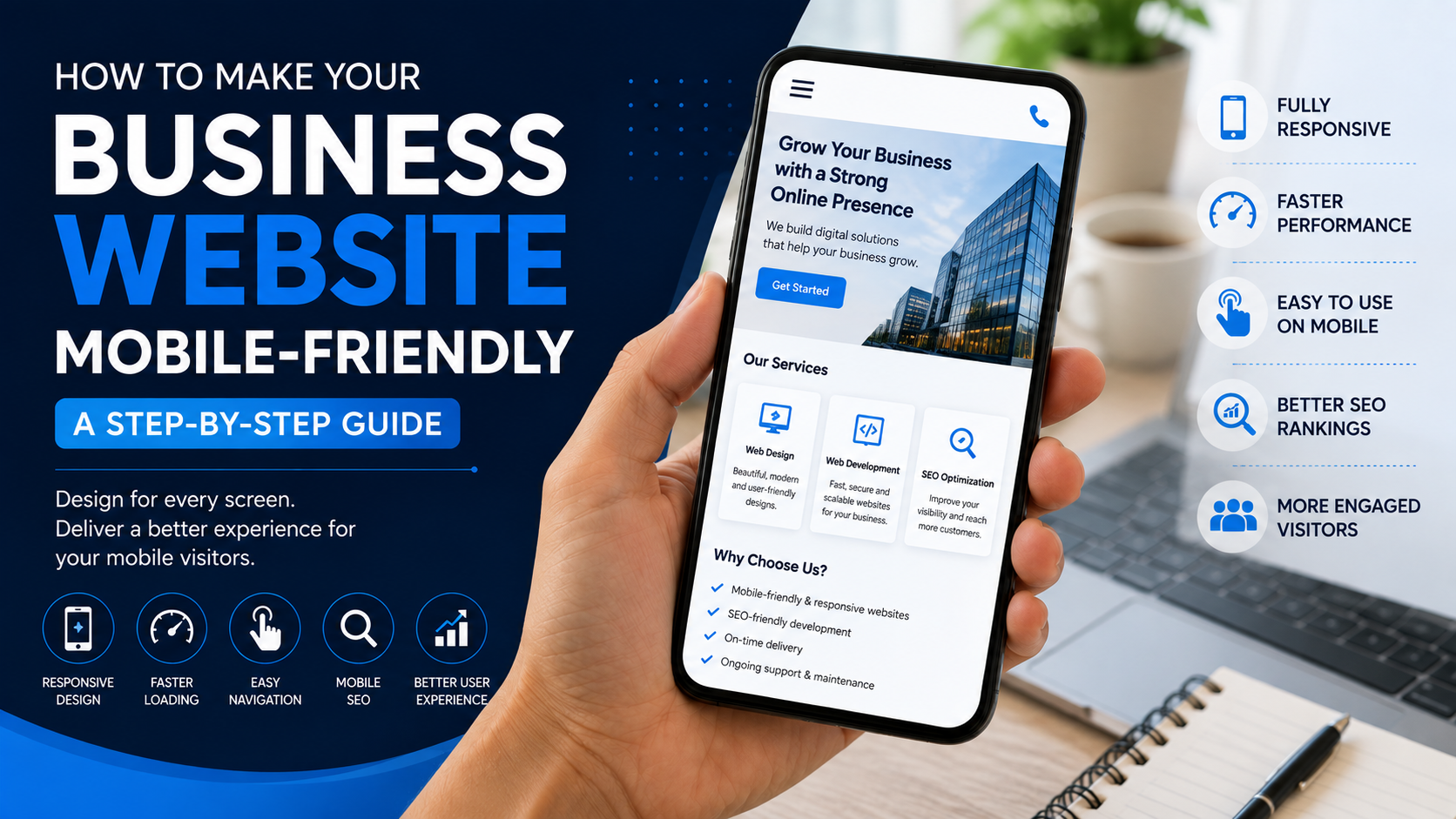
Your website should work properly on smartphones and tablets as well as desktop computers.
Make sure:
- Text is readable
- Buttons are easy to tap
- Images fit the screen
- Navigation works correctly
- Forms are easy to complete
- Pages don't require horizontal scrolling
For a detailed guide, read How to Make Your Business Website Mobile-Friendly.
Step 10: Keep Your Website Fast
Visitors expect websites to load quickly.
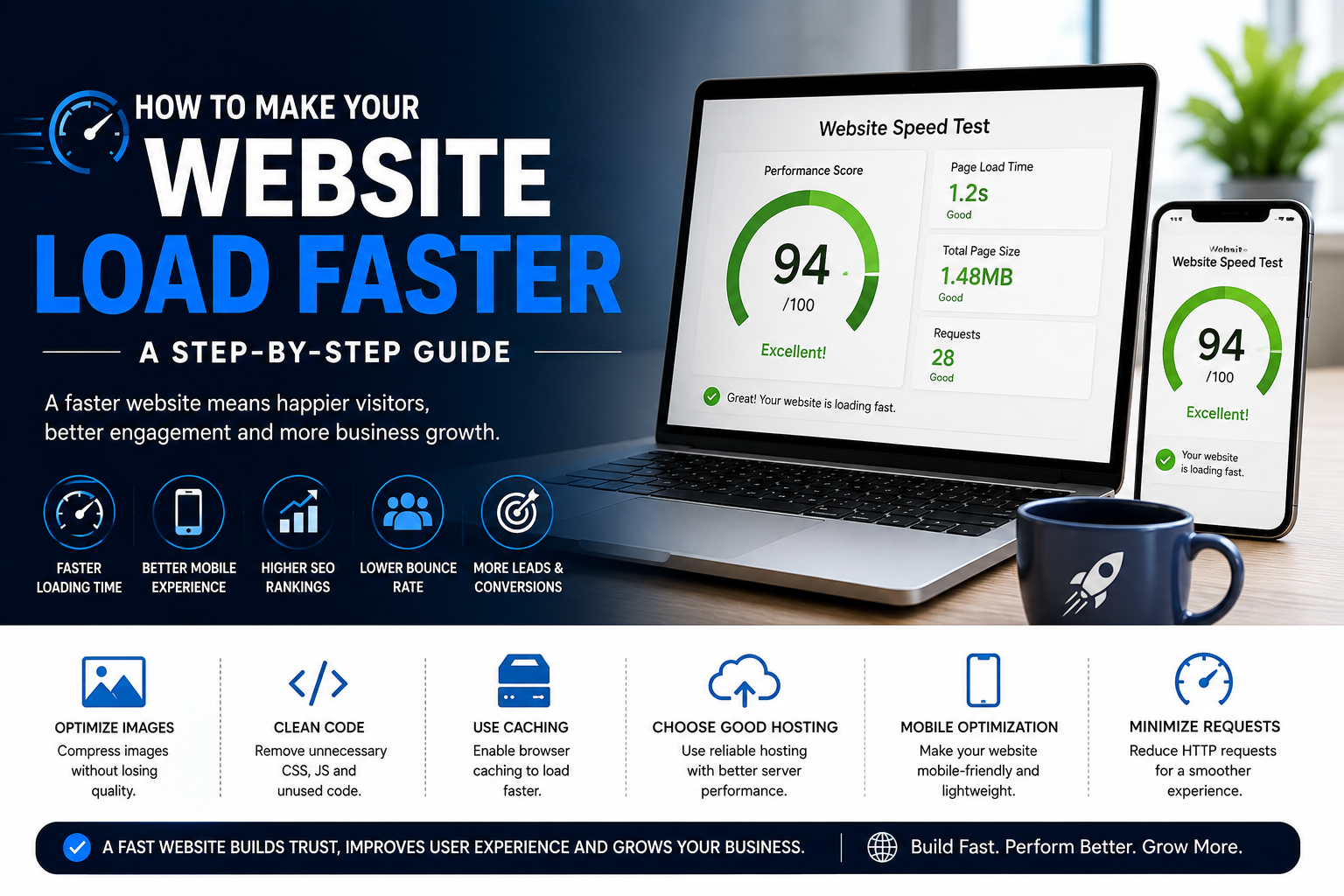
A slow website can create a poor user experience and may cause visitors to leave.
To improve performance:
- Optimize images
- Reduce unnecessary scripts
- Use suitable hosting
- Optimize CSS and JavaScript
- Reduce unnecessary animations
- Use appropriate caching
Read How to Make Your Website Load Faster for more practical tips.
Step 11: Build a Strong SEO Foundation
A professional website should also be structured so search engines can understand its content.
Basic SEO considerations include:
- Useful page titles
- Clear headings
- Relevant keywords
- SEO-friendly URLs
- Useful content
- Optimized images
- Internal links
- Mobile responsiveness
- Good website performance
SEO should be considered during development instead of being treated as something to add later.
Learn more with How SEO Helps Your Business Website Rank on Google.
Step 12: Make Your Website Easy to Navigate
Visitors should be able to move between important pages without confusion.
Keep your navigation simple and consistent.
For example:
Home | About | Services | Portfolio | Blog | Contact
Use clear labels that visitors can understand immediately.
Step 13: Add a Clear Call to Action
Every important page should guide visitors toward a useful next step.
Examples include:
- Get a Quote
- Contact Us
- Call Now
- Book Now
- Send an Enquiry
- Buy Now
Don't assume visitors will know what to do next. Give them a clear path.
Step 14: Create Useful Content
Your website content should answer the questions your customers are likely to ask.
Useful content may include:
- Service information
- FAQs
- Customer guides
- Blog articles
- Case studies
- Industry information
Regularly publishing useful content can also support your SEO strategy.
Step 15: Keep Your Website Updated
A professional website should not be forgotten after launch.
Review your website regularly and update:
- Business information
- Contact details
- Services
- Products
- Images
- Testimonials
- Blog content
- Business hours
Regular maintenance helps keep your website accurate and useful.
You can learn more from How to Maintain and Grow Your Business Website.
Step 16: Avoid Common Website Mistakes
Small businesses can sometimes make avoidable website mistakes.
Common problems include:
- Slow loading speed
- Poor mobile experience
- Confusing navigation
- Unclear content
- No clear call to action
- Outdated information
- Poor SEO
- Ignoring maintenance
Read 7 Common Website Mistakes That Can Cost Your Business Customers to learn more.
How Much Should a Small Business Website Cost?
Website cost depends on the type of website, number of pages, design requirements, functionality, content, SEO, hosting, and ongoing maintenance.
A simple business website will usually have different requirements from an e-commerce website or a custom web application.
Before starting, clearly define what your business actually needs.
For a detailed explanation, read How Much Does a Business Website Cost? A Complete Guide for 2026.
How to Choose a Website Development Company
If you don't have the technical skills or time to build the website yourself, choosing the right development company is important.
Before hiring a developer or company, check:
- Previous projects
- Portfolio quality
- Technical expertise
- Communication
- Pricing
- SEO knowledge
- Maintenance support
- Website ownership
Read How to Choose the Right Website Development Company for Your Business for a detailed checklist.
Small Business Website Checklist
- Define your website goal
- Understand your target customers
- Plan your website structure
- Create a strong homepage
- Explain your services clearly
- Use professional images
- Add genuine testimonials
- Make contact information easy to find
- Make the website mobile-friendly
- Optimize website speed
- Build a strong SEO foundation
- Keep navigation simple
- Add clear calls to action
- Create useful content
- Maintain the website regularly
- Review the website as your business grows
What Makes a Small Business Website Professional?
A professional website isn't simply about having an attractive design.
It should combine:
- Good design
- Clear content
- Easy navigation
- Mobile responsiveness
- Fast performance
- SEO-friendly structure
- Trust elements
- Clear calls to action
- Reliable functionality
The website should make it easy for customers to understand your business and take the next step.
Final Thoughts
A small business doesn't need the most complicated website.
It needs a website that clearly communicates what the business offers, builds trust, works across devices, loads efficiently, and makes it easy for customers to take action.
Start with your business goals, understand your customers, plan your structure, and build the website around their needs.
Then continue improving it as your business grows.
At C2D (Concept to Deploy), we believe every business deserves a digital presence that is practical, professional, and built with purpose.
Build Your Small Business Website With C2D
At C2D, we help businesses turn their concepts into practical digital solutions.
From planning and design to development, SEO, deployment, and ongoing improvements, we focus on creating websites that support real business goals.
If you're ready to build your business website, start by understanding what your customers need and what your business wants to achieve.
Have a concept? Let's turn it into something that works with C2D.
Continue Your Website Journey With C2D
Start your website journey with How to Plan Your Business Website Before You Build It.
Then learn How to Build a Professional Business Website Step by Step.
Understand How SEO Helps Your Business Website Rank on Google.
Learn how to Maintain and Grow Your Business Website.
And explore How to Make Your Business Website Mobile-Friendly.
End of the Website Guide Series
This article completes our current C2D website guide series.
From planning your website to building it, improving SEO, maintaining it, avoiding common mistakes, understanding costs, choosing a development company, making it mobile-friendly, and improving performance, each guide covers an important part of building a stronger online presence.
At C2D (Concept to Deploy), we believe a successful website is not just something you launch. It is something you continue to improve as your business grows.
Concept → Build → Optimize → Deploy → Grow.